English
 French
 Spanish


Your VP of Sales just hired 47 people who start in three weeks. Your compliance training is still in PowerPoint files. Your HR manager is asking which LMS you'll use, and you're staring at demos that promise go-live in 90 days.
Here's the problem nobody mentions: most LMS implementations fail not because of the software, but because the setup time destroys the business case. By the time you've migrated content, trained administrators, and configured workflows, your new hires have already learned bad habits from whoever happened to be standing nearby. The platforms below are ranked by how quickly they solve real problems, not by how many features they claim to offer. If you need training operational by next month, not next quarter, start here.
Smart Training – Best for Rapid Deployment and AI-Powered Course Creation
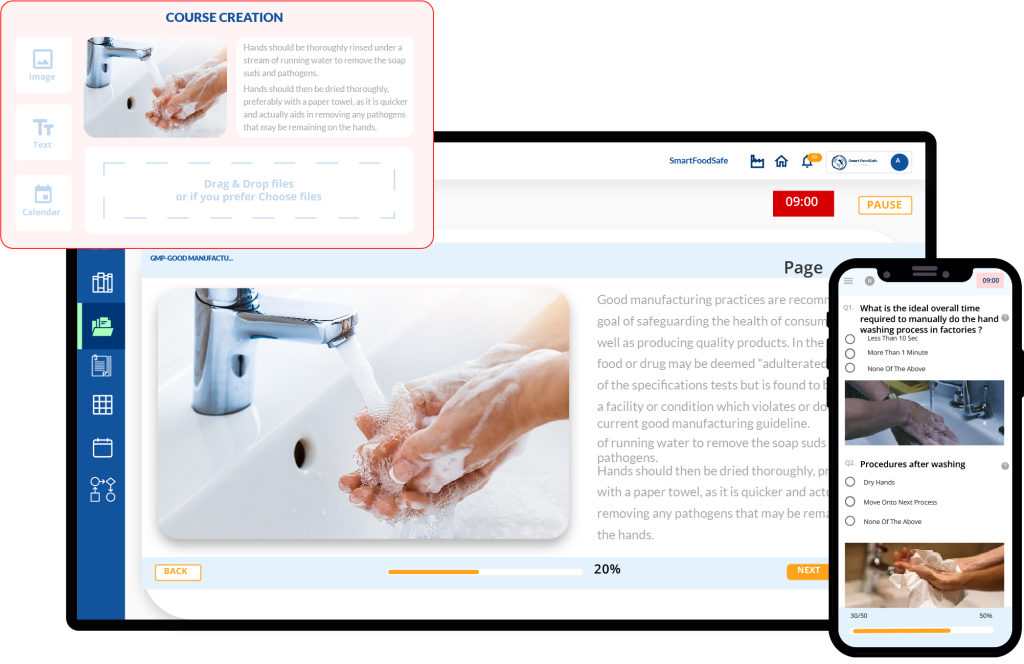
What makes it stand out: Smart Training eliminates the traditional 3–6 month implementation timeline that plagues enterprise LMS rollouts.
The platform's defining advantage is its AI-assisted course builder, which converts existing training materials—PowerPoint decks, PDFs, and video recordings—into structured learning paths within hours rather than weeks. For organizations transitioning from instructor-led training or scattered documentation, this compression of setup time directly impacts time-to-competency for new hires.
Core capabilities that matter:
Layout templates with drag-and-drop builder: Create reusable course structures by adding elements, components, and assessments, no instructional design background required.
Direct document integration: Upload PPTs, PDFs, and Excel files directly into courses rather than rebuilding content from scratch.
Self and group learning modes: Run self-paced courses for operational training alongside scheduled instructor-led sessions for complex topics.
Trainer and reviewer assignments: Designate specific people to provide instruction and feedback for group learning modules.
Performance evaluation: Link training completion to formal performance assessments, connecting learning to career progression.
Refresher settings: Configure retraining frequency based on regulatory requirements, automatically re-enrolling employees when certifications near expiration.
Customized notifications: Send targeted alerts for upcoming deadlines, expired certifications, and overdue training to specific learner groups.
Mandatory and optional Q&A: Configure which assessments employees must complete versus which provide optional knowledge checks.
Skill gap analysis: Identify knowledge deficiencies before they impact operations, then customize learning paths to address gaps.
Training records: Maintain comprehensive documentation of completed training using created templates, essential for audits.
Who this serves best: Mid-market companies (100–5,000 employees) experiencing rapid growth who need training infrastructure operational immediately. Particularly effective for compliance-heavy industries such as manufacturing, construction, healthcare, and food service, where regulatory training cannot wait for lengthy implementations.
Organizations where training administrators lack instructional design backgrounds benefit significantly. The drag-and-drop builder and layout templates compensate for technical knowledge gaps, while the pre-built library provides starting points rather than blank canvases. The skill matrix transforms training from a compliance checkbox into a workforce development strategy. You can demonstrate which teams have knowledge gaps before those gaps create operational problems, and you can prove training ROI by showing competency improvements quarter over quarter.
Kallidus – Best for Learning Combined with Talent Development
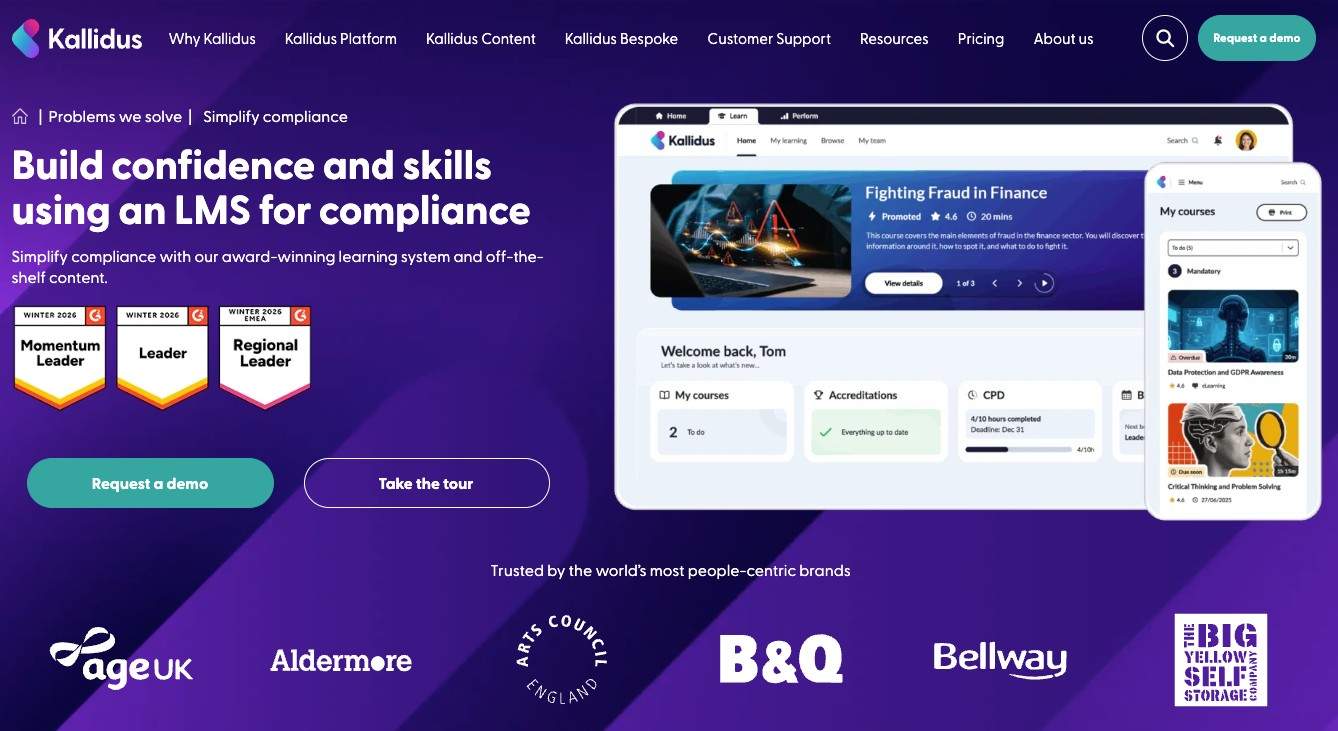
Kallidus extends beyond traditional learning management by combining employee training with performance management, skills development, and career progression. Rather than treating learning as a standalone function, the platform connects training activities to individual development plans and organizational objectives, making it particularly valuable for companies focused on long-term workforce growth rather than one-off compliance initiatives.
Core capabilities that matter:
- AI-powered learning recommendations based on employee roles and skill requirements
- Learning pathways that combine formal courses, on-the-job training, and external resources
- Performance review integration linking completed training to development goals
- Skills tracking and competency frameworks for workforce planning
- Automated compliance training assignments with certification tracking
Who this serves best: Mid-sized and enterprise organizations looking to align employee learning with talent development strategies. Businesses that already conduct regular performance reviews or career development planning benefit from having learning, skills management, and performance data within a single platform, reducing administrative effort while providing managers with a clearer view of employee progression.
Docebo – Best for Customer Education and Extended Enterprise
Docebo's architecture was built specifically for organizations training external audiences—customers, partners, and contractors—not just internal employees.
The platform's multi-tenant functionality allows you to maintain separate learning environments with distinct branding, content libraries, and administrative controls. If your business model includes customer onboarding, partner certification, or channel enablement, Docebo's permission structures and white-labeling capabilities handle this complexity without requiring separate platform instances.
Core capabilities that matter:
- AI-powered content recommendations based on role and learning history
- E-commerce functionality for selling courses externally
- Advanced API integrations with CRM systems for tracking customer journey milestones
- Workflow automation for certification renewals and compliance training
Consideration for decision-makers: Implementation complexity scales with organizational size. Companies report 4–8 week setup periods for basic configurations, extending to several months for fully customized multi-tenant deployments.
TalentLMS – Best for Small Teams Needing Immediate Functionality
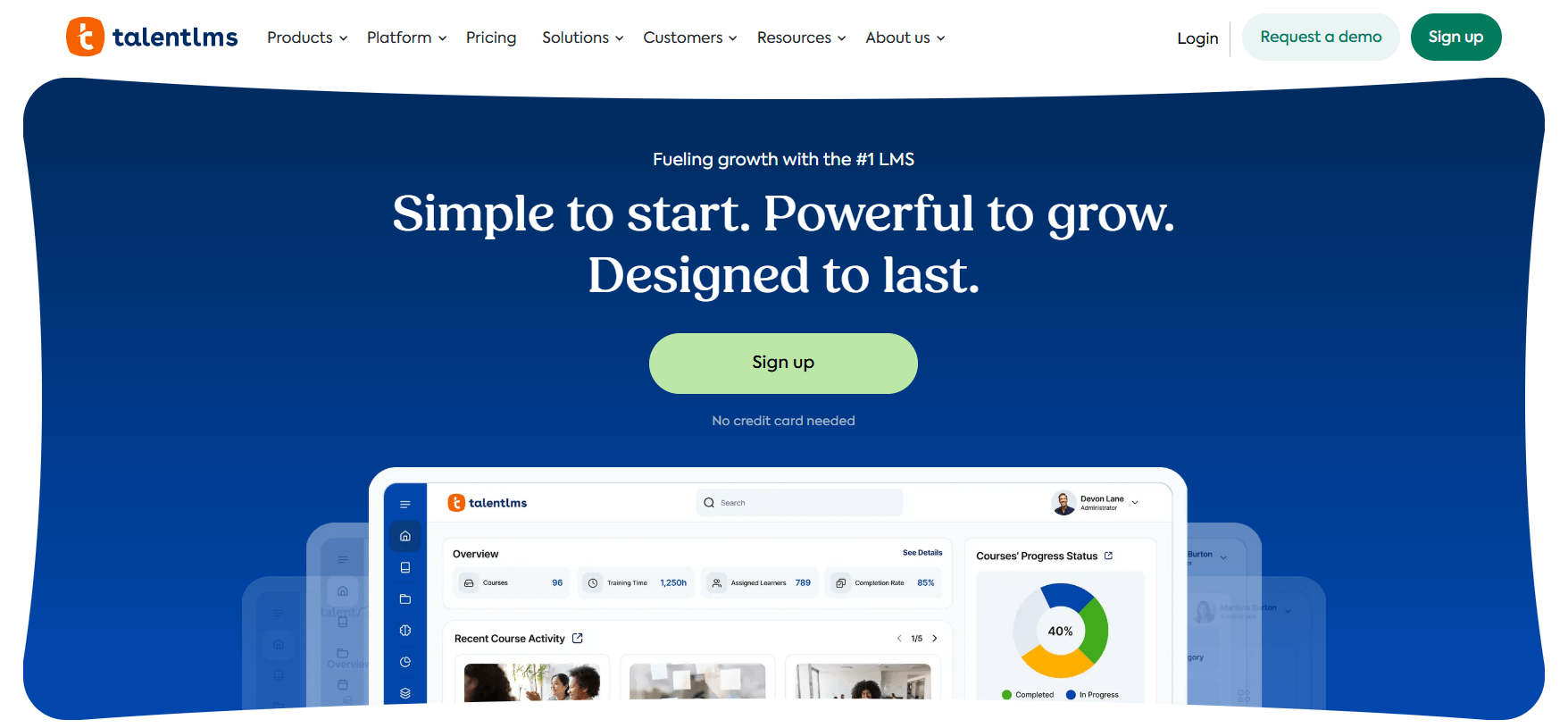
TalentLMS prioritizes getting training programs operational within 24 hours of signup. The platform removes configuration barriers through intelligent defaults, course templates, pre-built assessment formats, and standard reporting dashboards that work for most use cases without customization. For small HR teams managing training alongside recruitment, benefits administration, and employee relations, this reduction in technical overhead matters significantly.
Core capabilities that matter:
- Branch functionality for managing multiple departments or locations
- Gamification elements (points, badges, leaderboards) that increase completion rates
- Video conferencing integration for blended learning approaches
- Automated notifications for course assignments and deadline reminders
Who this serves best: Organizations with 10–500 employees where one person manages all L&D activities. The platform's straightforward interface means training administrators can maintain the system without specialized LMS expertise.
Absorb LMS – Best for Compliance-Heavy Industries
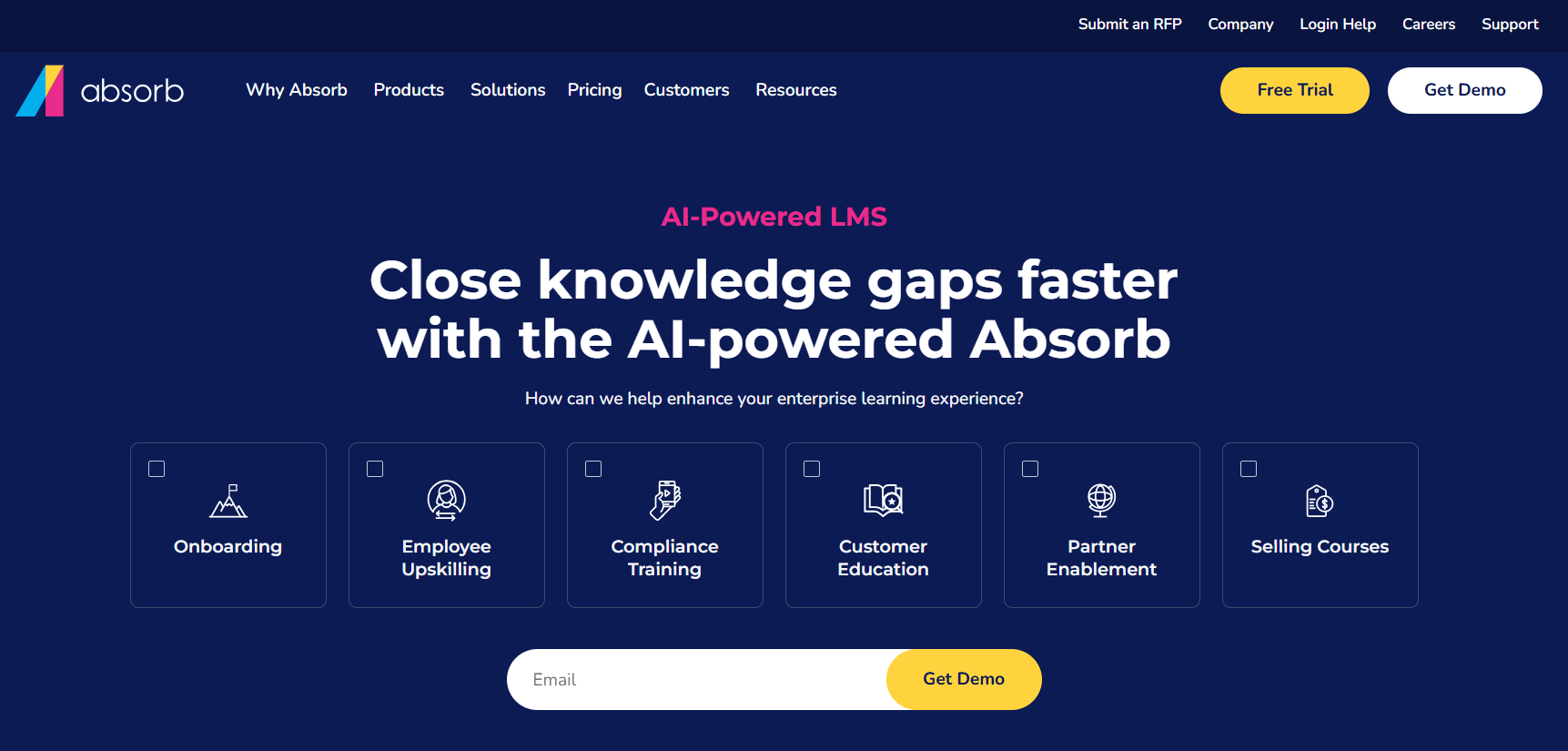
What makes it stand out: Absorb's audit trail capabilities and automated compliance reporting address the specific documentation requirements of regulated industries.
The platform automatically generates training transcripts showing exactly who completed which training version, when they completed it, and what score they achieved. For organizations facing OSHA, FDA, or financial services regulations, this documentation precision reduces audit preparation from weeks to hours.
Core capabilities that matter:
- Automatic re-enrollment when courses are updated, ensuring all learners complete current versions
- Digital signature capture for compliance acknowledgments
- Detailed reporting on training gaps across departments or job roles
- Automated certificate generation with expiration tracking
Consideration for decision-makers: The platform's comprehensive features create a steeper learning curve for administrators. Organizations should allocate 2–3 weeks for admin training and system configuration.
360Learning – Best for Collaborative Course Creation
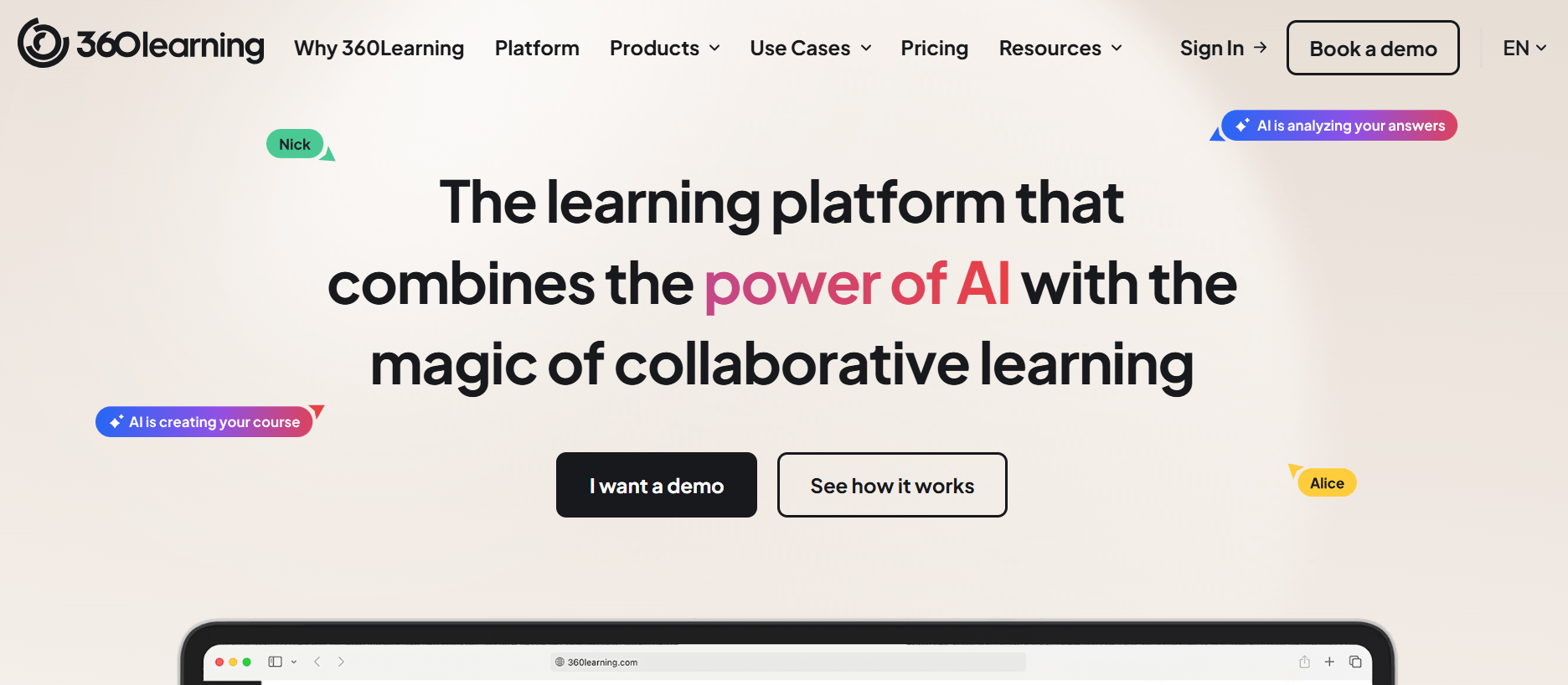
360Learning inverts the traditional LMS model by enabling subject matter experts to create and iterate on training content without L&D department bottlenecks. The platform's collaborative authoring tools mean your senior sales representative can document successful negotiation techniques directly in the LMS, while your operations manager can create process training as procedures evolve. This decentralized approach dramatically accelerates content currency, ensuring training materials reflect actual practices rather than idealized workflows documented months earlier.
Core capabilities that matter:
- In-platform course authoring requiring no technical skills
- Peer review workflows before content publication
- Discussion forums embedded within courses for contextual Q&A
- Upvoting system highlighting the most useful learning resources
Who this serves best: Knowledge-intensive organizations where expertise is distributed across teams rather than centralized in L&D. Particularly effective in rapidly changing industries where training content requires frequent updates.
Moodle – Best for Customization and Open-Source Flexibility
Moodle's open-source foundation provides complete control over functionality, data hosting, and system integration.
For organizations with specific security requirements, regulatory constraints on data location, or unique workflows that proprietary systems cannot accommodate, Moodle's customizability removes the "work around the system" compromises that characterize vendor-locked platforms.
Core capabilities that matter:
- Self-hosting option for complete data sovereignty
- Extensive plugin marketplace for specialized functionality
- Granular permission controls for complex organizational structures
- Active developer community creating ongoing enhancements
Consideration for decision-makers: Open-source does not mean free to operate. Organizations need either internal technical resources or a Moodle partner for hosting, maintenance, and customization. Total cost of ownership often exceeds SaaS alternatives when factoring in technical staff time.
What Actually Matters When Evaluating LMS Platforms
Implementation velocity: How quickly can your team be trained and operational? Platforms requiring extensive configuration delay ROI on your L&D initiatives.
Content migration effort: If you have existing training materials, evaluate how much manual work is required to convert them into the new platform's format. AI-assisted content conversion can compress weeks of reformatting work into hours.
Administrative burden: Who will maintain the system daily? Platforms requiring dedicated LMS administrators create fixed overhead costs that may not align with smaller L&D teams.
Learner adoption friction: Systems requiring multiple logins, separate mobile apps, or complex navigation increase abandonment rates. Training is only effective if people actually complete it.
Reporting granularity: Can you identify specific skill gaps by team or individual? Generic completion metrics do not inform targeted training interventions.
Integration requirements: Does the platform connect with your HRIS, performance management system, or other core tools? Manual data transfer between systems creates ongoing administrative work and data accuracy issues.
Making the Selection Decision
Start by mapping your specific constraints:
- Timeline pressure: If training capability needs to be operational within weeks, prioritize platforms with rapid deployment tracks and AI-assisted setup, such as Smart Training.
- Learner audience: External learners require different functionality than internal employees. Multi-tenant capabilities and e-commerce functionality matter for customer education.
- Regulatory environment: Compliance-heavy industries need detailed audit trails and automated documentation.
- Content creation capacity: If your L&D team is small relative to your training needs, platforms enabling distributed content creation reduce bottlenecks.
- Technical resources: Open-source platforms provide maximum flexibility but require ongoing technical maintenance.
The right LMS becomes infrastructure that enables better hiring outcomes, faster onboarding, clearer career progression, and more consistent operational execution. The wrong choice creates an administrative burden that slows everything down.
Focus evaluation on how each platform addresses your specific constraint—whether that is implementation speed, content creation capacity, compliance documentation, or learner engagement—rather than comparing generic feature checklists. The platform that solves your primary bottleneck delivers more value than the one with the longest feature list.